
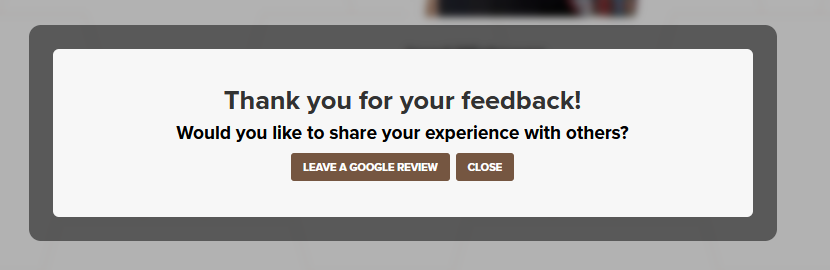
After a client submits a 5-star review, they will be prompted to recommend you on Google. To enable this feature, please follow the steps below.
1. First we will need to get your public review URL for your business.
Make sure your logged into your Google Business account before starting.

2. Once logged in, search for "my company".

3. ONLY HAVE ONE COMPANY ATTACHED TO THIS ACCOUNT: YOU CAN SKIP THIS STEP.
If you have multiple companies you will need to select which company you want the reviews for.
Press "View profile" to select that company.

4. Your company options with Google should show. Click "Ask for reviews".

5. Click the copy icon on the "Review link".

6. In the Realistic RE portal click "Settings"

7. In the Social Media Links section paste that review URL in the Google Review Link box.

8. Click "Save"
